Automations → Payment received → invoice marked "paid" → a thank-you to the client
Payment received → invoice marked "paid" → a thank-you to the client
The payment provider sends a webhook on payment; the invoice in the sheet is marked "paid" with the date, and the client gets a short confirmation. Payment reminders stop by themselves.
The problem
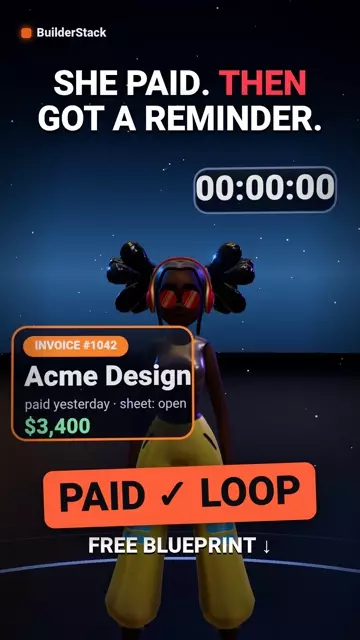
The client paid, but the sheet still says "open" — so the automatic payment reminder goes out the next day. It is the fastest way to turn a useful automation into an embarrassing one.
What happens when it runs
- A webhook receives the payment event from the provider (invoice number, amount)
- Search the invoice in the sheet by number
- Update: status "paid" + date + amount received
- A short thank-you email to the client with the invoice number
The tools inside
- Make — the automation engine · Sign up (one month of Core free) →affiliate link
- Google Sheets — log and lists
- Gmail — email
Before you start
Three things to have ready before importing, or Make will ask and you will have to leave halfway:
- The webhook address (to configure at the payment provider)
- The invoices spreadsheet id
- The thank-you wording
Sheet templates
The file maps columns by position. Start from exactly these headers, in this order — a column in the wrong place writes a phone number into the email column.
- Invoices sheet ·
invoice | client | email | status | paidDownload ↓
How to import (2 minutes)
- In Make: Scenarios → Create a new scenario
- At the bottom, the three dots (⋯) → Import Blueprint → choose the file you downloaded
- Click every module with an exclamation mark: choose your connection (Google, Telegram) — Make creates one in a click if you have none
- Replace every value in double curly braces ({{…}}) with your own from the list above
- Run once with a test row in the sheet. Only when it passes — Schedule and ON
The video
Watch on YouTube → · Subscribe to BuilderStack · Telegram channel
What does not work in it
- The webhook does not verify the event really came from the provider. Without signature verification anyone who knows the address can mark an invoice "paid". Most providers offer a signature — add a module that checks it.
- A partial payment is marked "paid" unless amounts are compared. Add a condition: amount received ≥ invoice amount.
Affiliate link. If you sign up through it we earn a commission from Make; your price is the same, and the link gives you one month of Core free.
More automations
All automations → INVOICE CHASER
Invoice past due → an automatic, polite reminder
Once a day it finds open invoices past their date and sends a reminder. The client no longer has to remember to chase.
 LEAD ALERT
Lead comes in → logged → alert. No hands.
A form on the client site sends a lead; it is logged and an alert reaches Telegram in seconds. The first automation every consultant sets up.
 EMAIL → TASK
Labelled email → task in the log → reminder
Tag an email with one label and it becomes a task with a due date and an alert. One screen for everything that is waiting.